Create interactive maps for websites
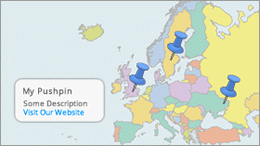
Interactive maps are used all over the web. Maps are created representing political, commericial, geographical and other particular aspects. dynamic displaying of routes, lines, clickable points, icons, landmarks, etc.
A clickable interactive map is new type of information and site navigator. Maps are created for the world atlas, the seven continents, the countries, the provinces or states, smaller units like districts, cities, towns, golf course, campus, conference rooms etc. Information are displayed with a variety of markers on the map to improve the navigation and functionality of your website. Clicking the marker, a small popup window is displayed with more information or links to other websites.
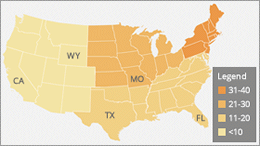
By using iMapBuilder, you can use ready made map templates, or import common image files (such as JPG or GIF image) into the software, then add the elements, such as clickable dots, icons, mouseover tooltips, set different colors for countries, states and regions, etc. Use this map sofware to create personalized, annotated, customized maps for businesses, parks, schools, real estate and more. All it requires is few mouse clicks and you will find it fun to use.